
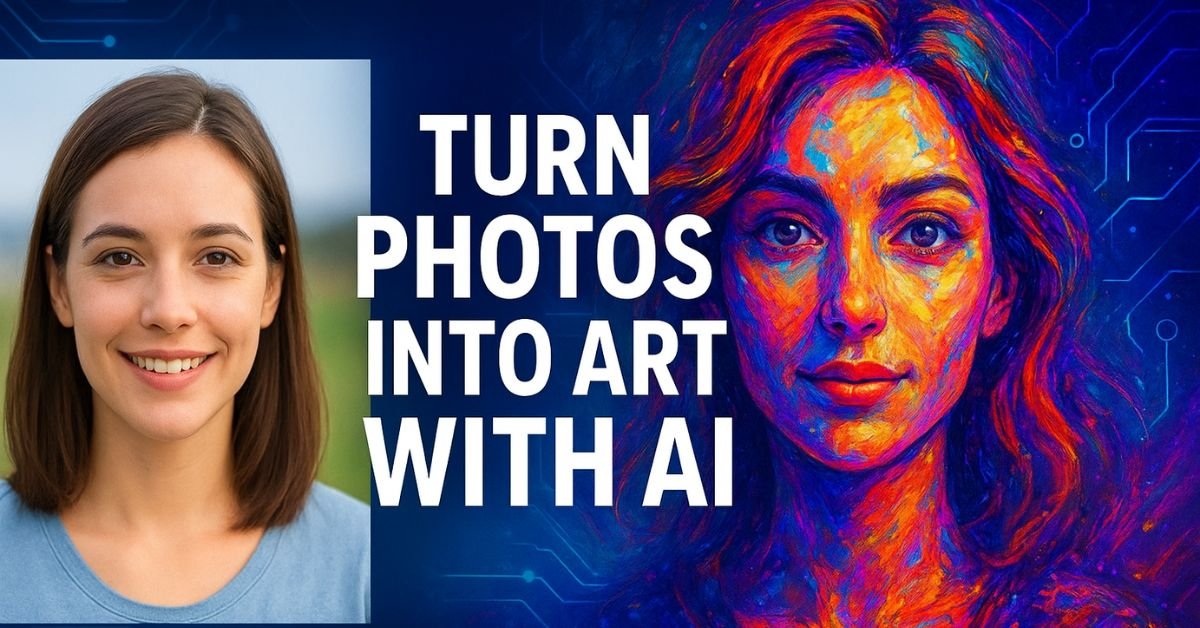
Why Use AI to Transform Your Photos?
AI photo editing is not just about adding filters. It leverages deep learning models and neural networks trained on thousands of artistic styles and images. These models understand the patterns of colors, textures, and compositions, and then apply them to your photo intelligently. The results are often unique, creative, and eye-catching. Here are some reasons why AI is the ultimate tool for transforming your photos:
- Save time: Complex edits that used to take hours can now be done in seconds.
- No advanced skills required: You don’t need to be a Photoshop expert.
- Limitless creativity: Apply different styles—oil painting, watercolor, sketch, or surreal art—instantly.
- Professional results: AI algorithms ensure that images look polished and artistic.
Popular AI Tools to Turn Photos into Art
Several AI tools are available to transform photos into digital artworks. Each comes with unique features and capabilities:
- Prisma: Known for its artistic filters, Prisma turns photos into paintings inspired by famous artists like Van Gogh, Picasso, and Munch.
- DeepArt.io: Uses deep neural networks to convert your images into professional artwork with realistic textures and colors.
- Fotor: Offers AI photo effects, background removal, and one-click enhancements.
- Runway ML: A more advanced platform that enables creators to experiment with AI-generated styles and surreal effects.
- Adobe Firefly: Adobe’s generative AI tool allows precise photo-to-art transformations while maintaining quality.
Step-by-Step Guide: Turning Photos into Art with AI
If you are new to AI editing, here’s a simple step-by-step process to start transforming your photos into stunning artworks:
Step 1: Choose the Right AI Tool
Select an AI editor that fits your creative goals. If you want classic art styles, go for Prisma. For advanced custom effects, try Runway ML or DeepArt.io.
Step 2: Upload Your Photo
Most AI platforms allow you to upload photos directly from your computer, smartphone, or even cloud storage. Choose a high-resolution image for the best output.
Step 3: Select an Artistic Style
Browse through available styles such as impressionism, surrealism, digital painting, or cartoon. Some tools even let you upload a reference image for style transfer.
Step 4: Customize the Output
AI tools often provide sliders to adjust intensity, brightness, color tone, and sharpness. Use these to fine-tune the result to match your vision.
Step 5: Save and Share
Once satisfied, download the transformed artwork in your preferred format (JPEG, PNG, etc.). Share it on social media, use it for personal branding, or even print it on canvas.
Creative Ideas for Using AI Art
AI-generated art can serve many purposes beyond simple photo edits. Here are some creative ways you can use your transformed photos:
- Wall Art: Print your AI-transformed photos on canvas for home or office decoration.
- Social Media Content: Create unique and visually appealing posts to attract more engagement.
- Personalized Gifts: Turn ordinary selfies into digital art and give them as memorable gifts.
- Brand Marketing: Businesses can use AI art for eye-catching advertisements, posters, and digital campaigns.
- Album Covers: Musicians and artists can use AI art for unique cover designs.
Best Practices for Stunning AI-Generated Art
To ensure your AI-transformed photos truly stand out, keep these tips in mind:
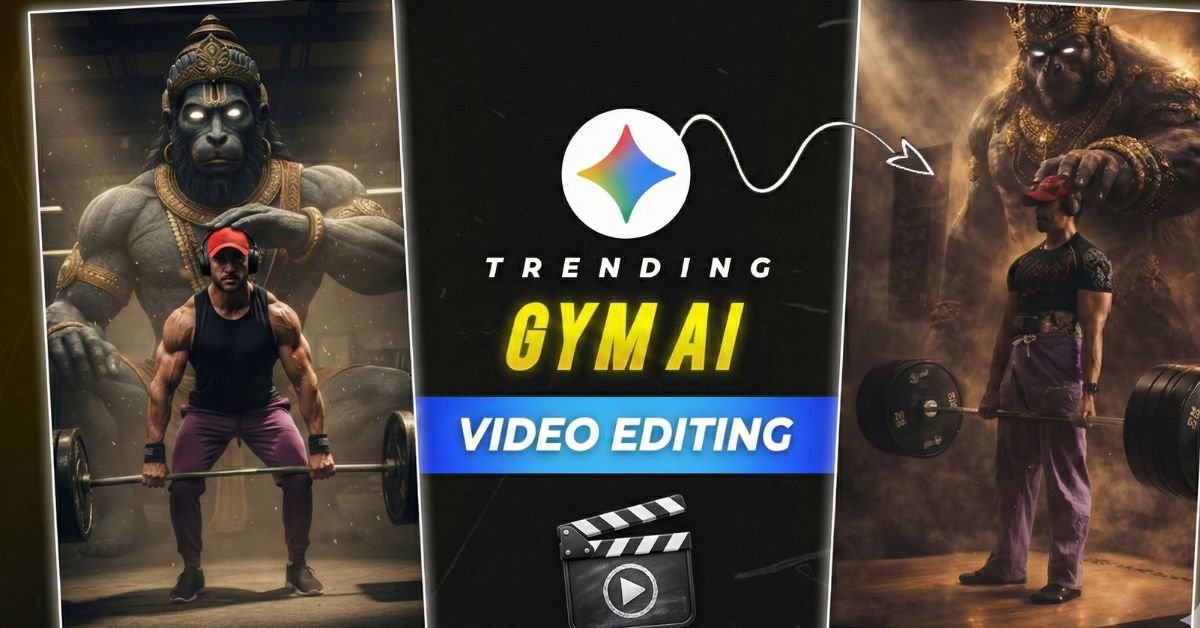
- Start with high-quality photos: Clear, well-lit images produce the best results.
- Experiment with different styles: Don’t stick to just one filter; explore multiple artistic effects.
- Balance AI with manual editing: After generating AI art, you can fine-tune it with basic editing tools for perfection.
- Maintain originality: While AI makes it easy, always add your personal touch to make the art truly yours.
Future of AI in Photo Art
The rise of generative AI is just the beginning. As AI becomes more sophisticated, we can expect even more powerful features, such as:
- Real-time AI editing: Transform images instantly during live video calls or streams.
- 3D and AR art creation: AI will allow photos to be transformed into 3D art or augmented reality experiences.
- Personalized AI styles: AI could learn your creative preferences and generate art tailored specifically for you.
SEO Benefits of Using AI-Generated Art for Your Website
For bloggers, businesses, and content creators, AI-generated art is not only visually stunning but also SEO-friendly when used strategically:
- Increased engagement: Attractive visuals keep readers on your site longer.
- Improved social sharing: Stunning AI art encourages people to share your content on social media.
- Unique branding: Custom AI artwork ensures your website stands out from competitors.
- Better user experience: High-quality visuals enhance readability and overall design.
Conclusion
Artificial Intelligence has revolutionized the way we perceive and create art. With the right tools and creativity, you can easily transform simple, everyday photos into breathtaking works of art. Whether you want to create wall art, boost your social media presence, or give unique personalized gifts, AI empowers you to unlock endless possibilities. Start experimenting today, and watch your ordinary photos turn into stunning masterpieces that capture attention and imagination.
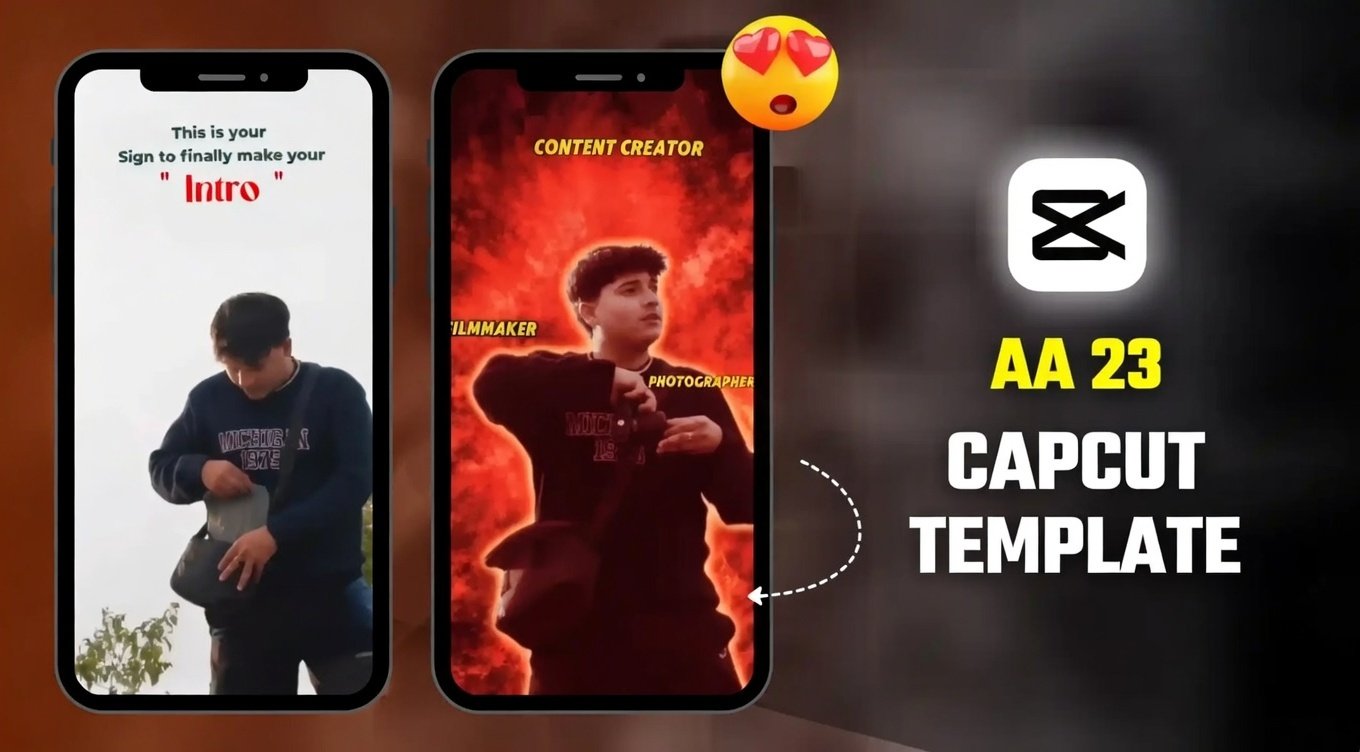
By harnessing the power of AI, you don’t just edit photos—you create timeless digital art.
