
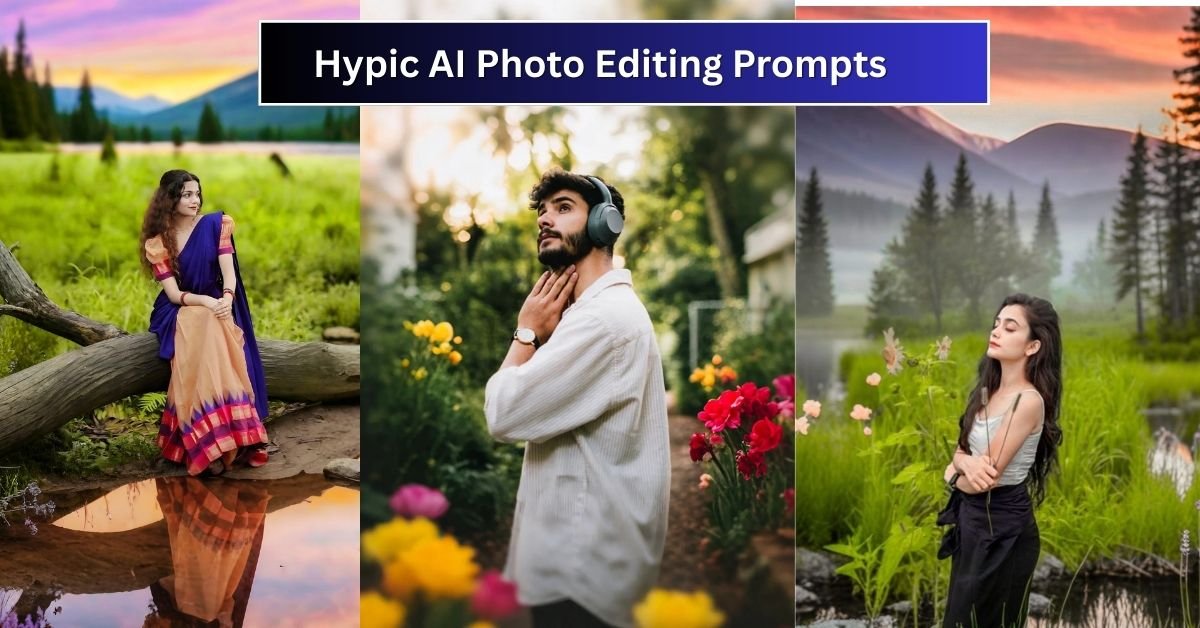
What Are Hypic AI Photo Editing Prompts?
Prompts are simply text-based instructions that tell Hypic AI what kind of photo you want to generate. For example, you can ask it to create a portrait of a woman in a red gown standing in a futuristic cityscape, or a man in a business suit posing in front of a skyscraper. The AI then processes your description and generates a realistic or stylized image.

With the right prompt, you can:
- Change clothing styles instantly (formal, casual, traditional, fantasy).
- Switch colors and textures of outfits.
- Experiment with different backgrounds (studio, nature, futuristic, vintage).
- Apply artistic filters like watercolor, anime, cyberpunk, and photorealism.
Why Hypic AI Prompts Are a Game-Changer in 2025
Unlike traditional photo editing, where you need to manually cut, mask, recolor, and retouch, Hypic AI saves time and gives professional results in seconds. Its 2025 update brought:
- Advanced realism – Natural skin tones, shadows, and fabric textures.
- Smart background blending – No more mismatched or blurry edits.
- Multi-style clothing prompts – From casual jeans to royal attire.
- Creative filters – Combine realism with fantasy, surrealism, or cinematic vibes.
Best Hypic AI Prompts for 2025 (With Clothes and Colors)
Here are ready-to-use Hypic AI prompts for your editing projects. You can copy and modify them depending on your needs.
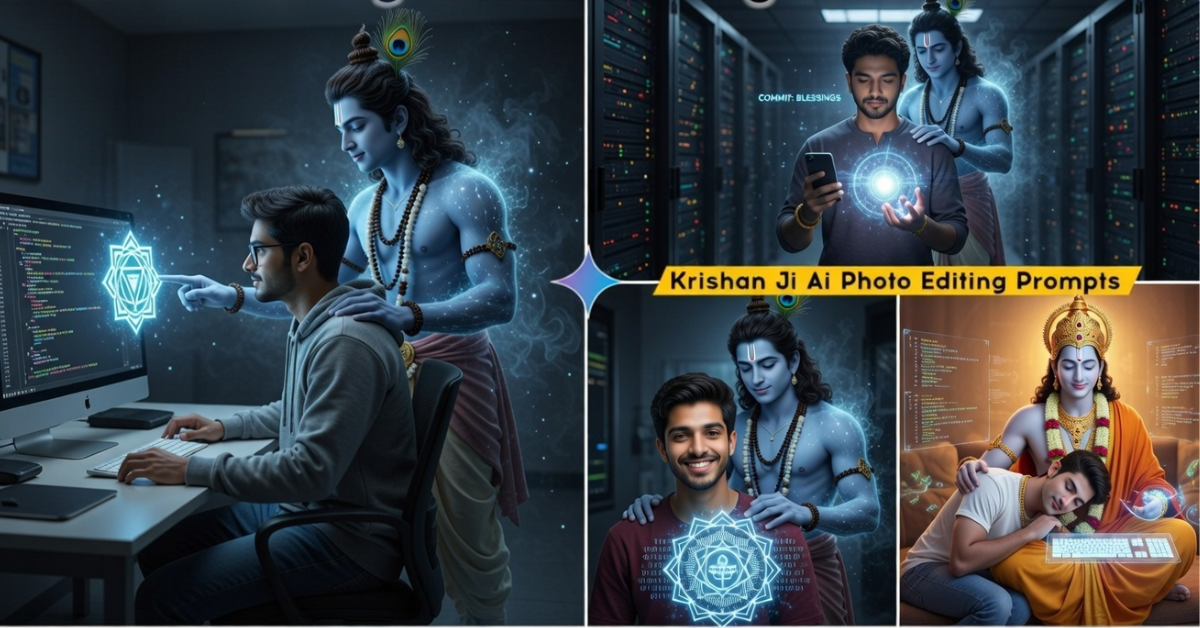

Beutiful outdoor with flowers cinematic background with lake

A foggy floral alley with purple flowers cascading over yellow fences, dewy leaves, ethereal sunlight rays, dreamy and peaceful atmosphere, 4K ultra-detailed"

A romantic riverside garden filled with roses and lilies, stone pathway, and a dreamy foggy effect at dawn.

Whimsical floral wedding backdrop, circular archway with cascading roses and soft greenery, fairy lights, romantic boho aesthetic under natural daylight

"Elegant garden wedding scene featuring a flower-decorated round arch, soft blush and ivory roses, surrounded by draped fabric and twinkling lights in a magical forest setting

"An enchanted path through a colorful garden, magenta and violet flowers blooming along yellow walls, soft fog effect, warm golden light, photorealistic aesthetic
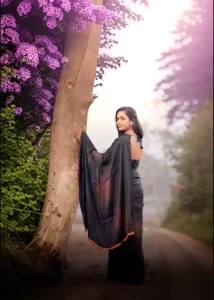
A narrow countryside lane with flowering shrubs in vivid purple, dense green forest in the background, mystical ambiance."
More Similer Prompts below
1. Casual Wear Prompts
  "A young man wearing a white t-shirt and blue ripped jeans, sitting casually in a coffee shop, natural lighting, realistic style."

  "A stylish woman in a pastel pink hoodie and black joggers, walking on a rainy street with neon reflections, cinematic effect."

  "Teen girl in a denim jacket over a yellow crop top, standing against a graffiti wall, urban street photography style."
2. Formal & Professional Attire Prompts
  "Businessman in a navy blue suit and red tie, standing confidently in front of a skyscraper, professional photography style."

  "Elegant woman in a royal blue evening gown with silver jewelry, posing at a luxury gala, cinematic lighting."

  "Corporate headshot of a man in a grey blazer and white shirt, blurred office background, photorealistic."
3. Traditional & Cultural Outfits
  "Indian woman in a red saree with golden embroidery, standing in front of a temple, soft lighting, photorealistic."

  "Man in traditional Japanese kimono with black and gold details, standing in a zen garden, serene mood."

  "African woman in colorful Ankara dress, bright patterns, smiling outdoors in natural sunlight."
4. Fantasy & Creative Prompts
  "Warrior queen in silver armor with a flowing red cape, standing on a battlefield, dramatic cinematic lighting."

  "Fairy girl in a pastel purple dress with glowing wings, magical forest background, dreamy atmosphere."

  "Futuristic cyberpunk model in neon green leather jacket, standing in Tokyo street, glowing signs, high-tech aesthetic."
5. Color-Focused Fashion Prompts
  "Woman in a bright yellow dress, sunflower field background, golden sunlight, soft dreamy filter."

  "Man in an all-black outfit with leather jacket, posing against a metallic silver car, urban night photography."

  "Model in emerald green gown with matching accessories, red carpet background, glamorous look."
Tips for Writing Perfect Hypic AI Prompts
- Be specific: Instead of “a man in a suit,” write “a businessman in a navy blue suit with a red tie, standing in front of a glass skyscraper.”
- Mention lighting: Natural light, cinematic, golden hour, or studio lighting affects the mood.
- Include details: Jewelry, hairstyle, accessories, and background elements improve realism.
- Experiment with styles: Try cyberpunk, vintage, anime, watercolor, or photorealistic for unique results.
SEO Benefits of Using Hypic AI Edited Images
AI-edited images aren’t just for fun—they can boost your online visibility. Here’s how:
- Higher engagement: Unique visuals attract more clicks and shares on social media.
- Faster branding: Consistent editing styles make your brand recognizable.
- Better SEO ranking: Optimized images with proper alt text improve search visibility.
- Reduced costs: No need to hire expensive models or photographers for every shoot.
Conclusion
Hypic AI photo editing prompts in 2025 are the secret weapon for anyone who wants professional, creative, and visually stunning photos without spending hours on manual edits. Whether you need casual lifestyle shots, formal business portraits, cultural attire, or fantasy-inspired creations, the right prompts can unlock endless possibilities.
So, start experimenting with the prompts above, add your creativity, and let Hypic AI take your photo editing game to the next level.
FAQs on Hypic AI Prompts 2025
1. Can I use Hypic AI prompts for social media content?
Yes! Many influencers and businesses use Hypic AI to generate engaging visuals for Instagram, TikTok, and YouTube thumbnails.
2. Are Hypic AI-generated photos copyright-free?
Most AI tools grant users the rights to use generated images, but always check Hypic AI’s licensing terms before commercial use.
3. Do I need photography skills to use Hypic AI?
No. Hypic AI is beginner-friendly—you just need to write descriptive prompts to get professional results.
4. Can Hypic AI replace Photoshop?
Not entirely. Photoshop is still essential for advanced retouching, but Hypic AI covers 80% of quick edits and creative needs.
