
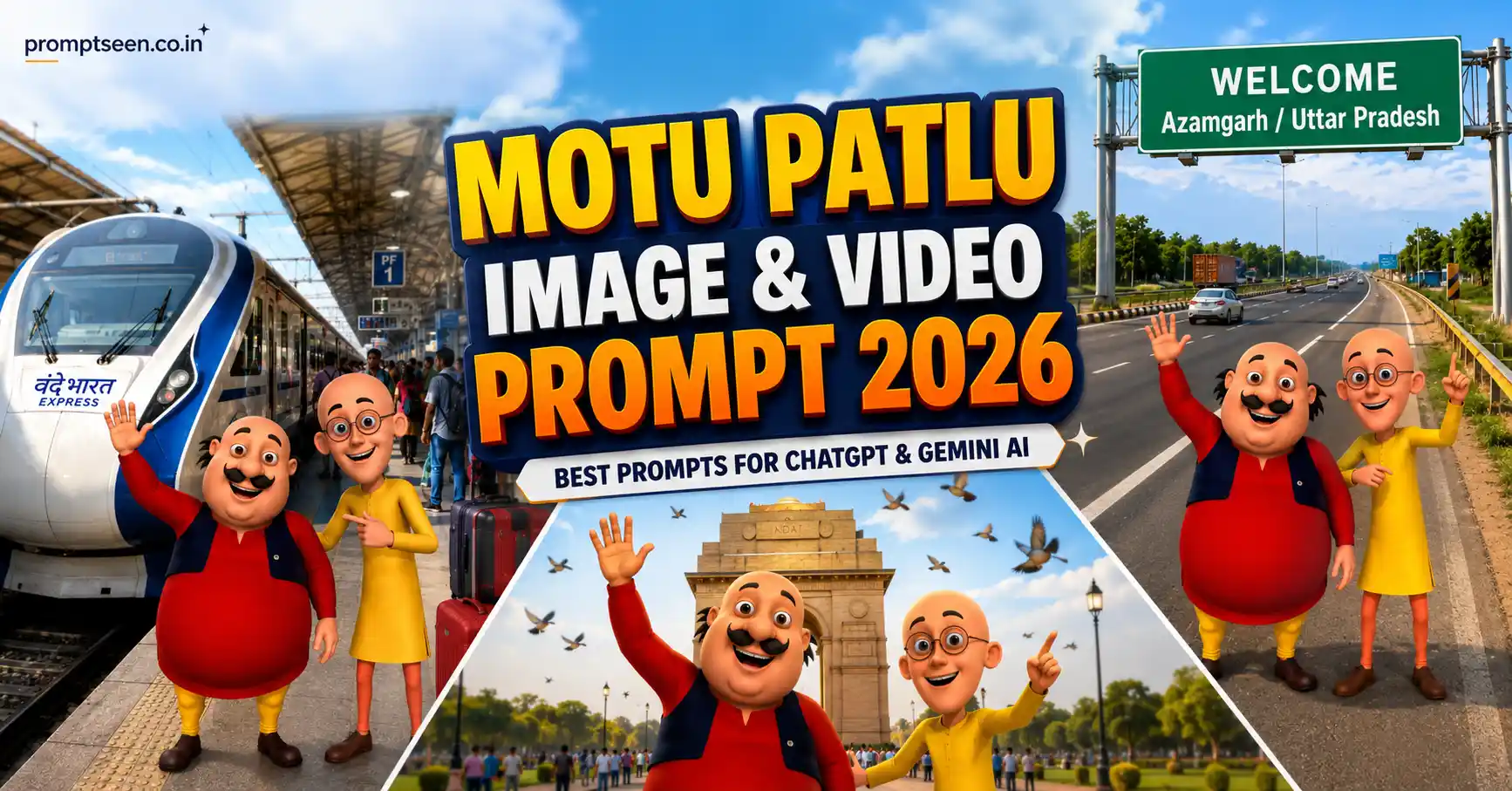
If you’ve been scrolling through Instagram Reels, YouTube Shorts, or Facebook recently, you’ve probably noticed viral AI videos featuring Motu and Patlu visiting different cities, standing near famous landmarks, or even talking directly to the audience. These creative videos are getting millions of views because they combine nostalgia with the latest AI technology.
The good news is that creating similar content is much easier than most people think. With a well-written Motu Patlu Image & Video Prompt, you can generate realistic cartoon images and animated talking videos in just a few minutes using AI tools like Gemini AI, ChatGPT Image Generator, and other modern image and video generators.
Today’s AI models are far better than older versions. They can preserve character appearance, maintain consistent facial expressions, create realistic backgrounds, and even animate lip movements that match spoken dialogue. That’s why creators are using these prompts to make engaging short-form content for social media.
In this guide, you’ll get ready-to-use prompts that are optimized for the latest AI models in 2026. Simply replace the city or village name, upload your reference image, and let the AI generate a high-quality result.
A Motu Patlu Image & Video Prompt is a detailed AI instruction that tells image or video generators how to recreate Motu and Patlu in a new location or scene while keeping the original cartoon style. These prompts work well with Gemini AI, ChatGPT Image Generator, and other modern AI tools to create viral social media content.
Why Motu Patlu AI Prompts Are Trending in 2026
AI-generated cartoon content has become one of the fastest-growing content categories on Instagram Reels, YouTube Shorts, and Facebook. Instead of spending hours animating characters manually, creators now use AI prompts to generate complete scenes within minutes.
Motu and Patlu remain among the most recognizable Indian cartoon characters, making them perfect for engaging local audiences. Videos where they visit famous cities, welcome viewers to different states, or speak in Hindi often receive high engagement because people enjoy seeing familiar characters in new situations.
Another reason these prompts are becoming popular is personalization. Instead of creating one generic image, creators simply change the city name and instantly generate hundreds of unique posts for different locations across India.
Modern AI models have also become much better at preserving character consistency. Instead of changing facial features or clothing, they now keep the original cartoon identity while placing the characters into realistic environments such as highways, railway stations, villages, temples, beaches, markets, and tourist attractions.
Many creators also combine AI-generated images with talking animations, allowing Motu and Patlu to speak directly to viewers in Hindi. This makes the content feel interactive and encourages viewers to leave comments by mentioning their own city or village.
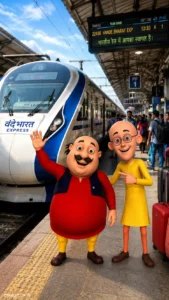
Photo Prompt: Motu Patlu Highway Welcome Scene
This prompt creates a clean, colorful highway welcome scene while keeping the original Motu Patlu character design exactly the same.
Use the uploaded image as the exact character reference and preserve the same Motu and Patlu characters, facial expressions, clothing, body proportions, colors, and original cartoon art style without making any changes. Create a modern Indian expressway welcome scene where the character stands happily beneath a large green national highway welcome signboard displaying: WELCOME [Azamgarh / Uttar Pradesh]. Surround the location with realistic Indian highways, smooth roads, moving cars, motorcycles, roadside trees, green landscapes, blue skies with soft clouds, highway safety barriers, road markings, cinematic natural lighting, vibrant colors, centered composition, ultra-realistic environment blended with the original cartoon characters, highly detailed textures, premium quality, 8K resolution, vertical 9:16 composition. Add a small elegant logo text “promptseen.co.in” in the bottom corner.
Video Prompt: Motu Patlu Talking Hindi AI Video
If you want to create viral talking videos for YouTube Shorts, Instagram Reels, or Facebook, this prompt helps animate Motu and Patlu with realistic lip sync, facial expressions, and natural body movements while keeping their original cartoon style unchanged.
VIDEO PROMPT: Characters: [Motu Character 1] and [Patlu Character 2]. Use the uploaded image as the exact character reference and preserve the original Motu and Patlu appearance, facial expressions, clothing, proportions, colors, and cartoon art style without making any modifications. Animate only the characters using smooth realistic lip synchronization, natural eye blinking, expressive facial movements, subtle head motion, realistic hand gestures, and body language while speaking fluent Hindi. Dialogue: [Motu Character 1]: “हैलो दोस्तों! हम आ गए हैं उत्तर प्रदेश के आज़मगढ़ में, Promptseen के साथ!” [Patlu Character 2]: “अब बताइए यूपी वालों, अगली बार हमें आपके किस शहर या गांव में आना चाहिए?” [Motu Character 1]: “नीचे कमेंट में अपने शहर या गांव का नाम जरूर लिखिए। हो सकता है हमारी अगली वीडियो आपके ही शहर में बने!” Keep the background lively with a realistic Indian roadside atmosphere, smooth camera movement, cinematic lighting, clear synchronized voice animation, high-quality character animation, premium AI video quality, vertical 9:16 composition. Add a small elegant logo text “promptseen.co.in” in the bottom corner.
How to Use These AI Prompts
You don’t need advanced editing skills to use these prompts. Simply upload your Motu Patlu reference image into your preferred AI image or video generator, paste the prompt, and replace the location name with your preferred city, town, or village. The AI will keep the original cartoon style while creating a completely new scene.
For example, instead of Azamgarh, you can replace the location with Lucknow, Jaipur, Delhi, Mumbai, Indore, Bhopal, Surat, Chennai, Hyderabad, Bengaluru, or even your own village. This makes it easy to create dozens of unique posts from a single prompt.
If you’re making videos, you can also edit the dialogue to match your audience. Asking viewers to comment their city or village often increases engagement because people enjoy seeing familiar places featured in future videos.
For the best results, keep the original reference image clear and high quality. AI models perform much better when the uploaded character image has sharp outlines, bright colors, and visible facial expressions.

Best AI Tools for Motu Patlu Image & Video Creation
- Gemini AI – Great for detailed image generation and scene creation.
- ChatGPT Image Generator – Produces consistent character-based images with natural compositions.
- Google Veo – Ideal for realistic AI-generated talking videos with smooth animation.
- Runway ML – Excellent for image-to-video animation and cinematic camera movement.
- Pika Labs – Perfect for creating short animated social media videos.
- Kling AI – Produces high-quality AI character animation with realistic motion.
Tips for Better Results
Always use the same reference image if you’re creating multiple videos. This helps maintain character consistency across your entire series.
Write location names exactly as you want them to appear on signboards. You can even create personalized content by replacing the city name with a school, village, landmark, or tourist destination.
Keep your prompts descriptive but focused. Mention lighting, weather, camera angle, composition, and animation quality while avoiding unnecessary details that could confuse the AI model.
Finally, export your videos in a vertical 9:16 aspect ratio. This format performs best on Instagram Reels, YouTube Shorts, Facebook Reels, and other short-form video platforms.
How to Get Better Results with Motu Patlu AI Prompts
The quality of your final AI image or video depends mostly on the reference image you upload. Always choose a high-resolution image where Motu and Patlu are fully visible, their faces are clear, and their original colors and clothing can be seen properly. A clean reference helps AI preserve the original cartoon identity much more accurately.
When writing your prompt, be as specific as possible about the location. Instead of simply mentioning a city, describe the environment around it. For example, include Indian highway signboards, roadside trees, modern expressways, local vehicles, blue skies, famous landmarks, or village entrances. These small details make the final image look much more realistic.
If you’re creating talking videos, keep the dialogue short and conversational. Simple Hindi sentences with natural pauses usually produce better lip synchronization and more believable facial expressions. Adding eye blinking, head movement, and subtle hand gestures also makes the animation feel more natural.
Another useful tip is to create a series instead of a single post. Simply replace the city or village name in the prompt while keeping everything else unchanged. This allows you to generate dozens of videos featuring different locations across India without changing the overall style.
Lighting also makes a noticeable difference. Soft morning sunlight, bright afternoon skies, or warm golden-hour lighting generally create cleaner and more attractive visuals than overly dramatic effects. Realistic colors and balanced shadows help the cartoon characters blend naturally into the background.
Finally, always export your content in a vertical 9:16 format. This aspect ratio is ideal for Instagram Reels, YouTube Shorts, Facebook Reels, and other short-form video platforms where most Motu Patlu AI content is viewed.

Frequently Asked Questions
Which AI tool is best for creating Motu Patlu images?
Gemini AI and ChatGPT Image Generator are among the best options for generating high-quality cartoon scenes while maintaining consistent character appearance. They work especially well with detailed prompts that describe the environment, lighting, and composition.
Can I change the city name in the prompt?
Yes. Simply replace the location with any city, village, district, or tourist destination. Everything else in the prompt can remain the same, allowing you to create personalized content for different places across India.
Can AI create talking Motu Patlu videos?
Yes. Modern AI video generators can animate lip movements, eye blinking, facial expressions, and hand gestures while synchronizing Hindi dialogue. This makes it possible to create engaging talking videos suitable for social media.
Why are Motu Patlu AI prompts trending in 2026?
They combine nostalgia with modern AI technology. Familiar cartoon characters placed in real-world Indian locations create entertaining and highly shareable content that performs well on Instagram Reels, YouTube Shorts, Facebook, and other social platforms.
How can I make my AI-generated videos look more realistic?
Use a high-quality reference image, keep the original cartoon style unchanged, describe realistic Indian locations, add natural lighting, and include smooth facial expressions, lip sync, eye blinking, and subtle body movements. These details significantly improve the final animation.
Final Thoughts
The Motu Patlu Image & Video Prompt trend continues to grow in 2026 because it combines beloved cartoon characters with the power of modern AI. With just a single reference image and a detailed prompt, you can generate colorful highway welcome scenes, location-based animations, and engaging Hindi talking videos that feel both entertaining and professional. Whether you’re creating content for YouTube Shorts, Instagram Reels, Facebook, or simply experimenting with AI creativity, these prompts provide an excellent starting point. Customize the city name, add your own dialogue, and keep the original character style intact to create unique, high-quality content that audiences will enjoy watching and sharing.