
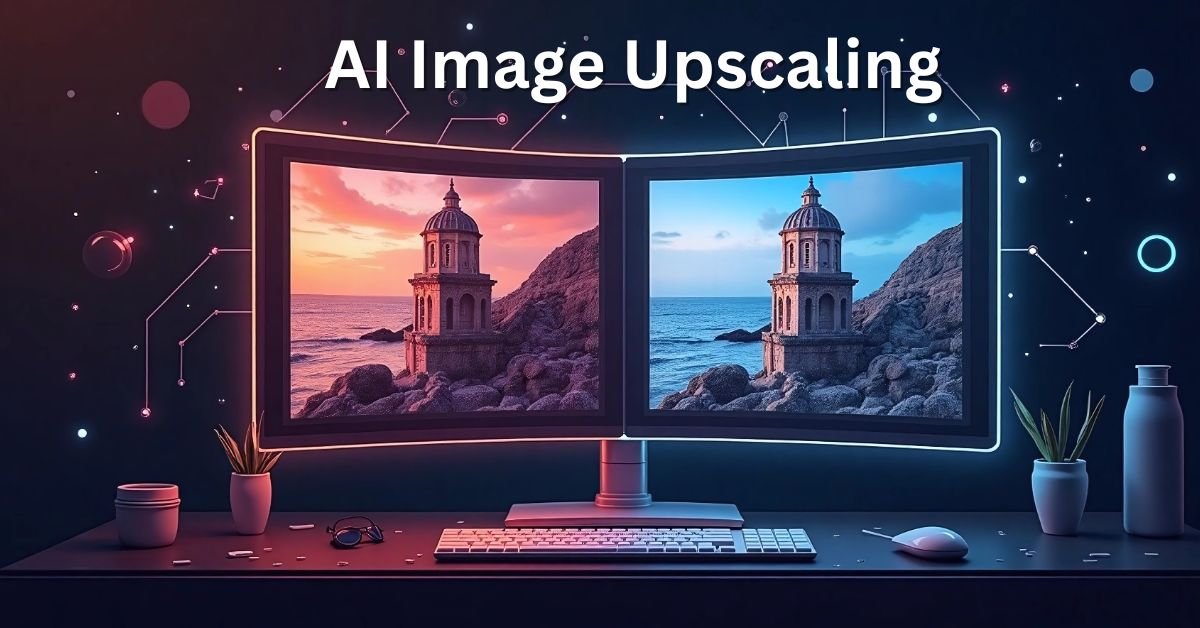
What is AI Image Upscaling?
AI image upscaling is the process of increasing the resolution of an image using artificial intelligence and machine learning algorithms. Unlike traditional resizing, which simply stretches pixels, AI upscaling analyzes patterns, textures, and details in the photo to intelligently recreate missing information. The result is a larger, sharper image that maintains its original quality.

Think of it as teaching a computer to “imagine” the missing details when making an image bigger. Tools powered by AI can enhance edges, restore details, and reduce noise, which is something old resizing methods could never achieve.
Why Do You Need AI Upscaling?
There are many practical reasons why AI image upscaling is becoming so popular:
- Print quality: Enlarging photos for posters, banners, or magazines without losing clarity.
- E-commerce: Displaying product images with sharpness to increase buyer trust.
- Social media: High-quality visuals grab more attention and boost engagement.
- Old photos: Reviving low-resolution or scanned images with modern clarity.
- Content creators: Better graphics and thumbnails improve your professional image.
How AI Upscaling Works
AI upscaling uses deep learning models, often trained on millions of images, to predict how missing pixels should look when a photo is enlarged. These models recognize patterns such as skin textures, hair strands, building edges, or even natural scenery. Here’s the basic process:

- Input image: You upload a low-resolution photo.
- AI analysis: The algorithm scans the photo and understands shapes, colors, and patterns.
- Upscaling: The tool generates new pixels intelligently, not just by duplicating existing ones.
- Final output: A sharper, high-resolution image ready for use.
AI Upscaling vs. Traditional Resizing
| Feature | Traditional Resizing | AI Image Upscaling |
|---|---|---|
| Method | Pixel stretching | Intelligent pixel prediction |
| Image Quality | Blurry and pixelated | Sharp and detailed |
| Noise Handling | No noise reduction | Removes noise and enhances clarity |
| Best Use Cases | Basic resizing | Professional prints, digital media, restoration |
Popular AI Image Upscaling Tools
If you’re just starting out, here are some reliable AI upscaling tools to explore:
- Topaz Gigapixel AI: Professional-grade software with excellent detail recovery.
- LetsEnhance.io: Easy-to-use online tool for quick upscaling.
- VanceAI: Online and desktop options with batch processing features.
- Remini: Mobile app for enhancing selfies and old family photos.
- Bigjpg: Free online tool suitable for anime and illustration upscaling.
Step-by-Step Guide: How to Upscale an Image Using AI
Here’s a simple beginner-friendly workflow you can follow:
- Choose a tool: Select an AI upscaler that fits your needs (desktop software, mobile app, or web tool).
- Upload your image: Drag and drop your photo into the platform.
- Select scaling options: Many tools allow 2x, 4x, or even 8x enlargement.
- Apply enhancements: Enable features like noise reduction or sharpening if available.
- Preview and download: Review the AI-generated preview and download your upscaled image.
Tips for Best Results with AI Upscaling
- Start with the highest-quality image you have — AI works best with clearer inputs.
- Use the correct scaling factor — don’t go beyond what you actually need.
- Check for naturalness — sometimes AI may over-sharpen; adjust settings accordingly.
- Batch process when possible — saves time if you have multiple images.
- Always compare before and after results — ensure the photo looks realistic.
Benefits of Using AI for Image Upscaling
The advantages of AI upscaling go beyond just enlarging photos:

- Time-saving: No need for manual editing or retouching.
- Cost-effective: Avoid expensive photoshoots just for higher resolution.
- Versatile: Works for portraits, landscapes, products, and even digital art.
- Accessibility: Many tools are beginner-friendly with simple interfaces.
Limitations of AI Image Upscaling
While AI upscaling is powerful, it’s not magic. Here are a few things to keep in mind:
- AI may generate details that weren’t originally there, which can sometimes look unnatural.
- Extremely blurry or damaged photos may not fully recover.
- Some advanced tools require paid subscriptions for full resolution exports.
Future of AI Image Enhancement
AI technology is advancing rapidly. Future upscalers may include features like real-time video enhancement, automatic style adaptation, and even 3D upscaling. As these technologies evolve, professional and casual users alike will have access to tools that make image editing effortless.
Conclusion
AI image upscaling is a game-changer for anyone working with visuals. Whether you want to print large posters, improve your website’s product images, or restore old photos, AI tools make the process easy and effective. With the right tool and settings, you can make your photos bigger without sacrificing quality — something that was nearly impossible just a few years ago.

If you’re a beginner, start with free or online options to get familiar with the process. As you gain confidence, you can explore advanced software for professional-level results. Remember: the key is to balance enlargement with naturalness, ensuring your photos look crisp yet realistic.
Now it’s your turn! Try an AI upscaler today and experience the difference in your images.