
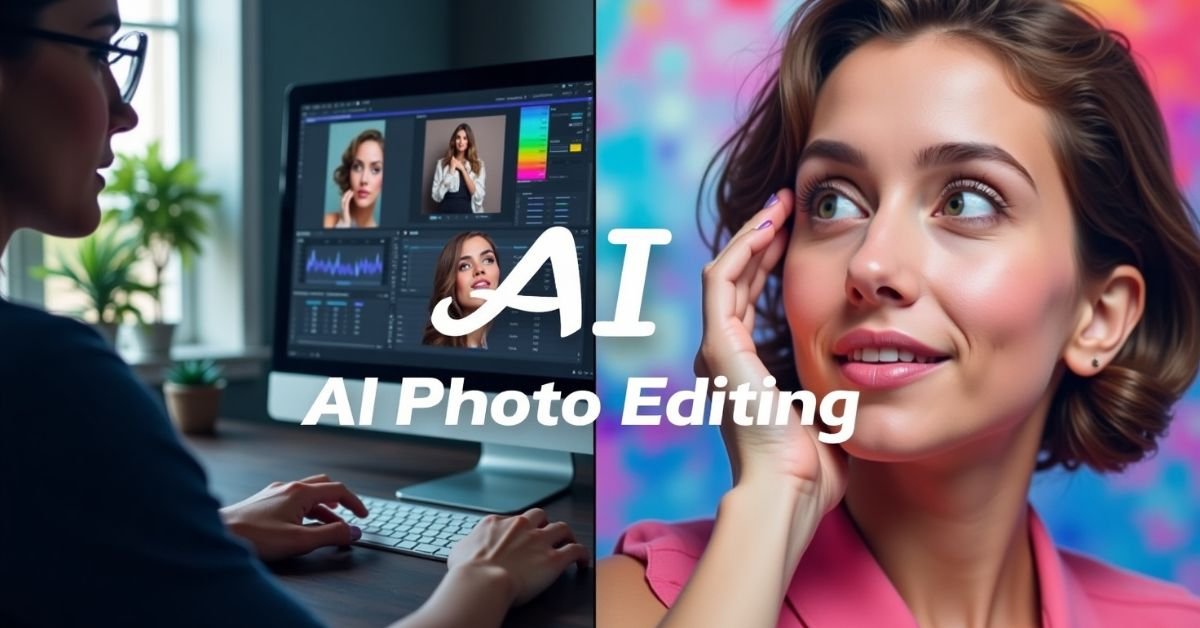
Why AI is Changing the World of Photo Editing
Photo editing has traditionally relied on skilled use of software like Adobe Photoshop, Lightroom, or GIMP. While powerful, these programs require a steep learning curve and significant time investment. AI, however, brings automation, precision, and accessibility to the editing process. By analyzing millions of images, AI algorithms learn how to identify objects, detect flaws, enhance colors, and apply artistic effects with minimal user input. In short, AI democratizes editing—making professional-quality results accessible to anyone with just a few clicks.1. AI-Powered Background Replacement
Background removal used to be one of the most tedious editing tasks, requiring careful masking and manual erasing. AI now automates this process. Tools like Remove.bg or Photoshop’s AI background remover can isolate subjects within seconds, even handling complex edges like hair or fur.- Creative Applications: Replace dull backdrops with vibrant scenes, add branded backgrounds for marketing, or design product photos for e-commerce without the need for expensive studio setups.
- SEO Advantage: Unique, professional visuals help websites stand out on Google Images, improving click-through rates and brand perception.
2. Style Transfer and Artistic Effects
Style transfer is one of the most exciting creative uses of AI. By analyzing famous artworks, design styles, or even specific photographs, AI can reimagine your photos in completely new aesthetics. For example, you can turn a regular portrait into a Van Gogh-style painting or apply a cinematic filter inspired by Hollywood color grading.- Creative Applications: Perfect for social media posts, digital marketing campaigns, or unique wall art prints.
- Tools: Apps like Prisma, DeepArt, and Photoshop’s Neural Filters allow easy application of these effects.
3. Intelligent Retouching and Portrait Enhancements
AI is excellent at detecting and enhancing human features. Automated portrait retouching can smooth skin, whiten teeth, reduce blemishes, and adjust lighting—all while preserving natural textures. Unlike over-edited results of the past, AI-powered retouching tools focus on realism.- Creative Applications: Perfect for photographers, influencers, and businesses looking for professional-looking headshots or social media-ready portraits.
- Tools: Fotor, Luminar Neo, and FaceApp offer quick and realistic portrait enhancements.
4. AI for Color Correction and Grading
Color correction is crucial for ensuring photos look polished and professional. AI can automatically balance exposure, contrast, saturation, and white balance by analyzing the context of the image. Advanced AI tools even allow you to apply specific moods—like a warm golden hour effect or a moody cinematic grade—with a single click.- Creative Applications: Enhance travel photos, create consistent Instagram aesthetics, or prepare product shots with accurate colors for e-commerce.
- Tools: Adobe Lightroom AI presets, Skylum’s Luminar Neo, and Canva’s photo enhancer.
5. Object Removal and Content-Aware Fill
One of the most powerful AI photo editing features is object removal. Instead of painstakingly cloning or patching areas, AI can analyze the surrounding pixels and intelligently fill in gaps. This makes it easy to remove photobombers, unwanted signs, or distracting objects.- Creative Applications: Clean up real estate photos, declutter product images, or create more professional travel photography.
- Tools: Photoshop’s Content-Aware Fill, Cleanup.Pictures, and Luminar Neo’s erase tool.
6. AI in Product and Marketing Photography
Businesses can leverage AI for marketing visuals. Instead of staging expensive photo shoots, AI can generate lifestyle backgrounds, add reflections, or simulate different lighting environments. This is especially useful for e-commerce where high-quality, varied product photos directly impact conversions.- Creative Applications: Create seasonal product campaigns, A/B test different backgrounds, or design personalized ads for different audiences.
- Tools: Canva AI, Fotor, and Smartmockups.
7. Automated Image Restoration
AI can also breathe new life into old or damaged photos. Using deep learning, tools can automatically repair scratches, restore faded colors, and even sharpen blurry images. For families and historians, this is invaluable in preserving memories.- Creative Applications: Restore vintage family photos, enhance scanned documents, or revitalize old marketing materials.
- Tools: VanceAI, Remini, and Photoshop’s Photo Restoration Neural Filter.
8. Generative AI and Synthetic Photography
Beyond editing, AI can now generate entirely new images based on text prompts. Generative AI tools like DALL·E, MidJourney, and Stable Diffusion allow you to create unique visuals for ads, blogs, or artwork. These synthetic images can be used alongside real photography to expand creative possibilities without costly shoots.- Creative Applications: Create concept art, branded illustrations, or stock-photo alternatives tailored to your exact needs.
- SEO Advantage: Custom, unique visuals can improve engagement and reduce reliance on overused stock photos.
Best Practices for Using AI in Photo Editing
- Maintain authenticity: Don’t overuse filters or retouching to the point where images look unnatural.
- Prioritize originality: Unique visuals stand out more in search engines and social platforms than generic edits.
- Stay updated: AI photo editing tools are rapidly evolving—new features are released frequently.
- Combine AI with creativity: Use AI as an assistant, not a replacement, for your personal vision.
Conclusion
AI in photo editing is more than a passing trend—it’s a fundamental shift in how we create, enhance, and share visuals. From background replacement to style transfer and beyond, AI tools empower anyone to achieve professional-quality edits quickly and creatively. Whether you’re an individual looking to enhance personal photos or a business aiming to boost visual marketing, AI photo editing opens endless possibilities. The key is to embrace AI as a partner in creativity, blending automation with your unique artistic perspective. As technology continues to advance, the future of AI-driven photo editing promises even more exciting innovations. Now is the perfect time to experiment with these tools and discover how they can transform your creative workflow.
-->